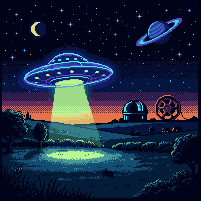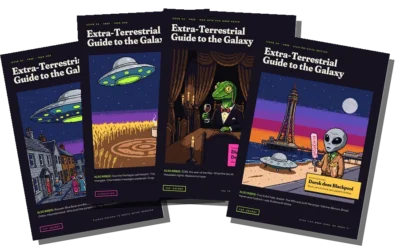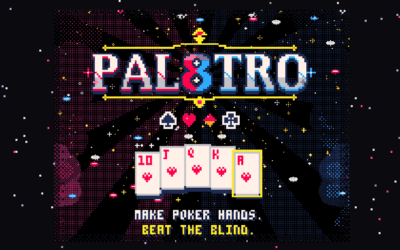
I love a chunky pixel. Pal8tro lives inside a PICO-8 cartridge, and the Galactic Zoo residents have their own 16-bit sprites. So it may come as a surprise that one of the two games I’m building right now doesn’t have a single sprite in it.
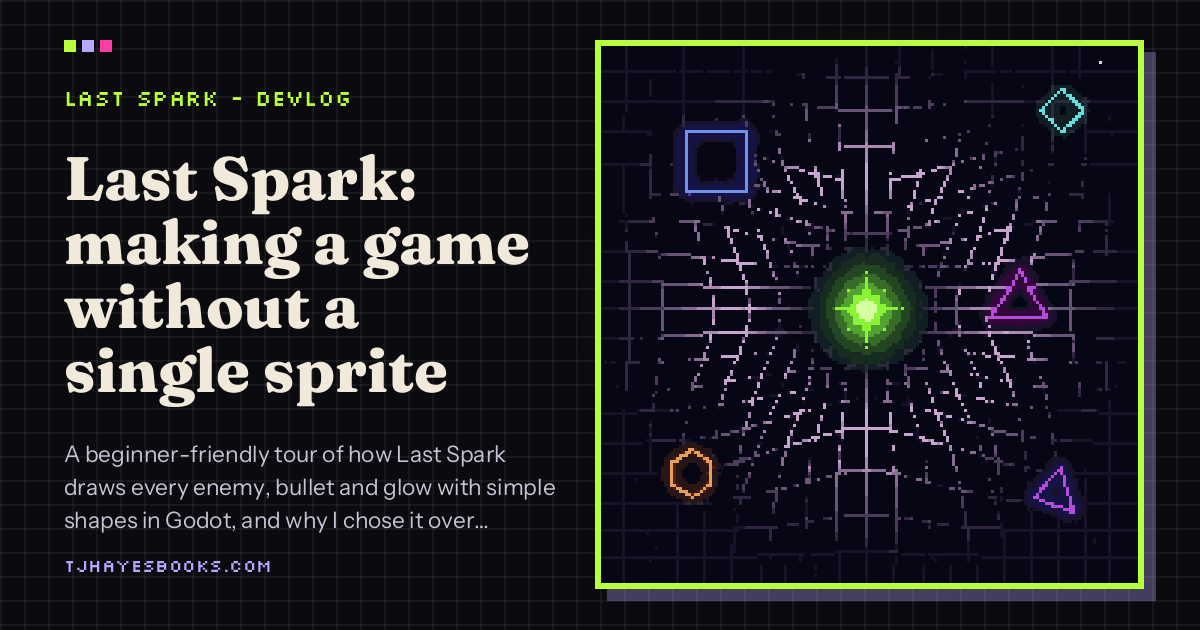
That game is LAST SPARK, and every enemy, bullet, flash and wobble in it is drawn with shapes. This post is a beginner-friendly tour of how that works in Godot, the engine I’m using, for anyone curious about making games or just wondering what goes on behind the glow.
First, what is Last Spark?
Last Spark is a survivor-like for phones. You hold it upright in portrait and play it with one thumb. Here’s where things stand:
- A run lasts six minutes.
- You start by picking a core: Ember, Prism, Storm, Void, Nova or Twin.
- The plan is 16 weapons, 14 shape enemies, 5 bosses and 4 biomes.
- Between runs you grow the Ember Tree, and there’s a Daily Spark challenge run.
- Behind everything sits a warp grid that reacts to the action.
It’s being built in Godot 4.7, and every bit of the art is drawn in code: shapes, glow and particles. No sprite sheets anywhere. Which, for a man who spends his evenings fussing over individual pixels, is a bit like a baker deciding to make a cake out of geometry.
Why draw a game with shapes?
A few honest reasons this style suits a one-thumb phone game:
- It stays crisp at any size. A circle drawn by the engine is a circle on a small phone and on a big tablet. No blurry stretching.
- It reads instantly. When the screen is busy, “triangle” and “hexagon” are easier to tell apart than two detailed monsters. Your thumb is already covering a chunk of the screen, so clarity matters.
- It’s quick to change. Want an enemy a bit bigger, a bit pinker, a bit angrier? That’s a number, not a redraw.
It’s the same lesson pixel art teaches, really. Limits make things clearer.
The Godot building blocks (beginner’s version)
1. Nodes and scenes
Everything in Godot is a node: a little object that does one job. A node can draw something, play a sound, detect a collision or hold other nodes. Bundle some nodes together and save them, and you’ve got a scene. An enemy is a scene. A bullet is a scene. The whole level is a scene full of other scenes. It’s Lego, but with more error messages.
2. Drawing your own shapes
Any 2D node in Godot can draw on itself. You tell it “draw a circle here, this big, this colour”, or “draw a polygon through these points”, or “draw a line from here to there”. Ask it to redraw whenever something changes, and the shape updates. That’s the whole trick behind a game like Last Spark: no image files, just instructions for drawing.
For a beginner it’s a lovely way to start, because you can make something that moves and looks decent without being able to draw at all.
3. Glow
Flat shapes on a dark background can look a bit like a maths worksheet. Glow is what makes them feel alive. In Godot you can switch on a glow effect for the whole scene, and then anything brighter than “normal white” starts to bloom softly. In 2D you’ll need high dynamic range turned on in the project settings for that to work. Use it sparingly: if everything glows, nothing does.
4. Particles
Particles are lots of tiny short-lived bits that the engine spits out for you: sparks, smoke, the confetti of an exploding hexagon. You set the rules (how many, how fast, what colour, how long they last) and Godot does the rest. For phones it’s worth knowing there are two flavours, one that runs on the graphics card and one that runs on the processor, and the processor version tends to play nicer on older devices.
5. Drawing hundreds of things at once
This is the bit that matters for a survivor-like, where the whole point is being swamped. If every enemy were its own separate drawing, a phone would start to wheeze. Godot has a thing called a MultiMesh, which draws many copies of the same shape in one go, each with its own position and colour. Last Spark uses it for its enemies so that hundreds of them can be on screen on a phone. Think of it as photocopying one triangle a few hundred times instead of drawing each by hand.
Tips if you fancy trying this style
- Pick a tiny palette anyway. Shapes don’t excuse you from colour choices. A dark background with two or three neon accents goes a long way.
- Give every enemy its own silhouette. If two enemies share a shape, make them different sizes or colours, or players will mix them up mid-panic.
- Save the glow for what matters. The player, danger and rewards. Background stuff can stay calm.
- Test on an actual phone, early. What looks fine on a monitor can be tiny under a thumb.
Pixels vs shapes
I don’t think one is better than the other. Pixel art is about care at the smallest scale: one wrong dot and the face looks surprised. Shape art is about rules: decide how things should look and let the engine do the drawing. Making Pal8tro taught me patience. Last Spark is teaching me to let go a bit and trust the maths. Neither has taught me to go to bed at a sensible time.
What’s next
Last Spark is heading through the usual milestones: prototype, vertical slice, soft launch, then launch. Its office-of-the-damned sibling, MOB BOSS, is cooking away too. Proper devlogs for both will turn up here as there’s real progress to show, so I won’t promise dates I can’t keep.
In the meantime, you can play Pal8tro, my little poker roguelike for PICO-8, and see what else I’m making over on the games page.
– TJ (Taylonius)