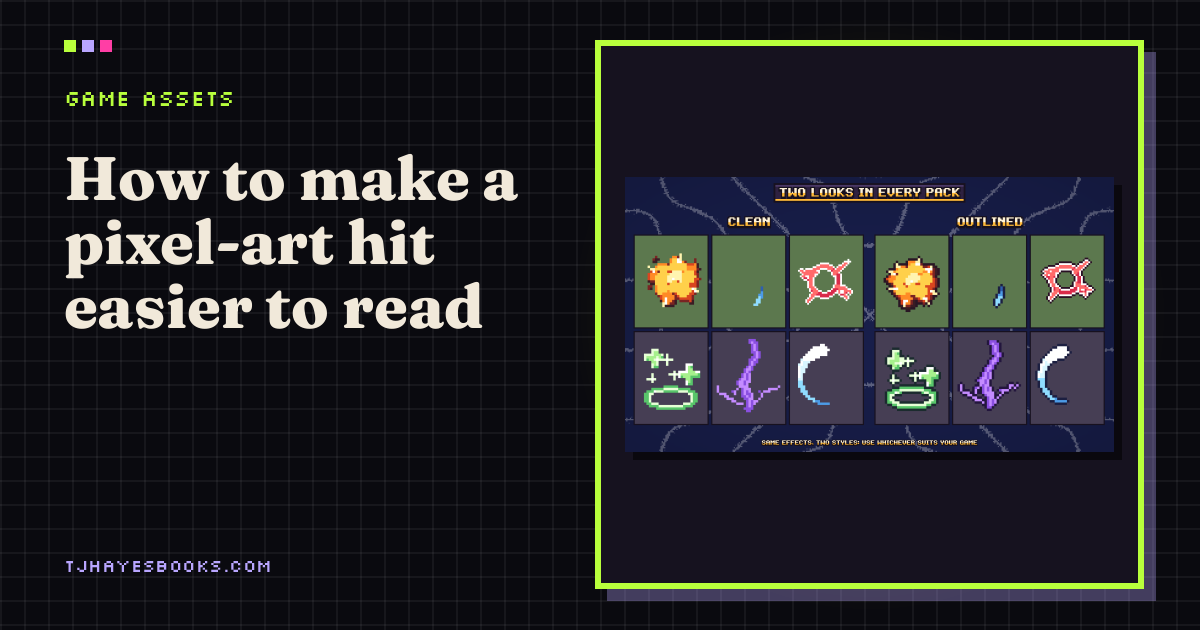
A hit can look great on a sprite sheet and disappear the moment you put it in a fight. Before adding a bigger flash, try a few simple checks in the room where the player will actually see it.
1. Test the effect where it is hardest to see
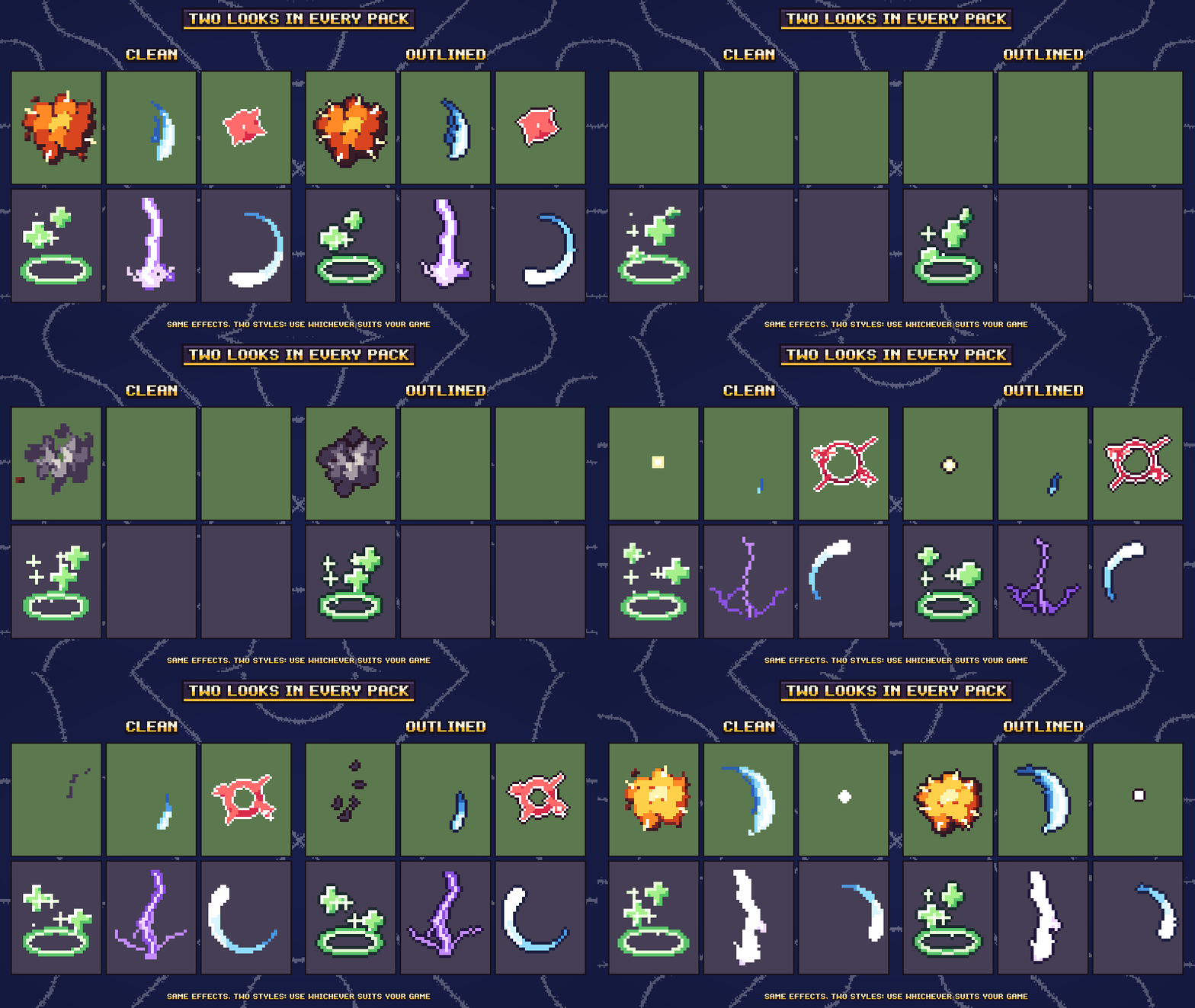
Try the same attack over a dark floor, a bright prop and a busy patch of tiles. Keep the camera at the scale you use in the game. Look for the moment where the edges of the effect disappear into the scene. A thin outline or a simpler shape can help the hit stand out without covering the target.
2. Pick one clear moment of contact
Choose the frame where the attack connects. Give the player a clear cue on that frame, such as a short spark or the enemy recoiling. Then let the rest of the effect settle. If every frame is equally bright, it can be hard to tell when the contact happened.
3. Check the sound and picture separately
Play a few light and heavy hits with the game muted. Can you tell which is which? Now listen without watching. Try making the heavy hit distinct with a different sound or a different visual shape. Put the two back together and check that both cues land when you expect.
Start with one enemy and one attack. If you can spot the hit in the busiest corner of your test room, try it again with another enemy nearby. What do you notice first in your own game: the enemy moving, the flash, or the sound?
The Pixel VFX and SFX Mega Pack has clean and outlined looks and a free taster with 15 effects and 30 sounds if you want to try the exercise.